Complete Download Solution
All-in-one download suite featuring Aria2 Explorer, DownCenter, and Aria2 Manager. Seamlessly combine browser auto-capture, modern Chrome downloads management with direct file deletion, and powerful BT/HTTP torrent downloading.
Comprehensive Features
Complete download solution with advanced BT management and file organization
Auto Capture
Automatically capture browser download tasks with notification support and magnet links
Smart Filtering
Filter tasks by domain, file extensions or file sizes with priority-based rules
Multi-RPC Support
Auto-select Aria2 RPC server by matching preset download URL patterns
Built-in Frontend
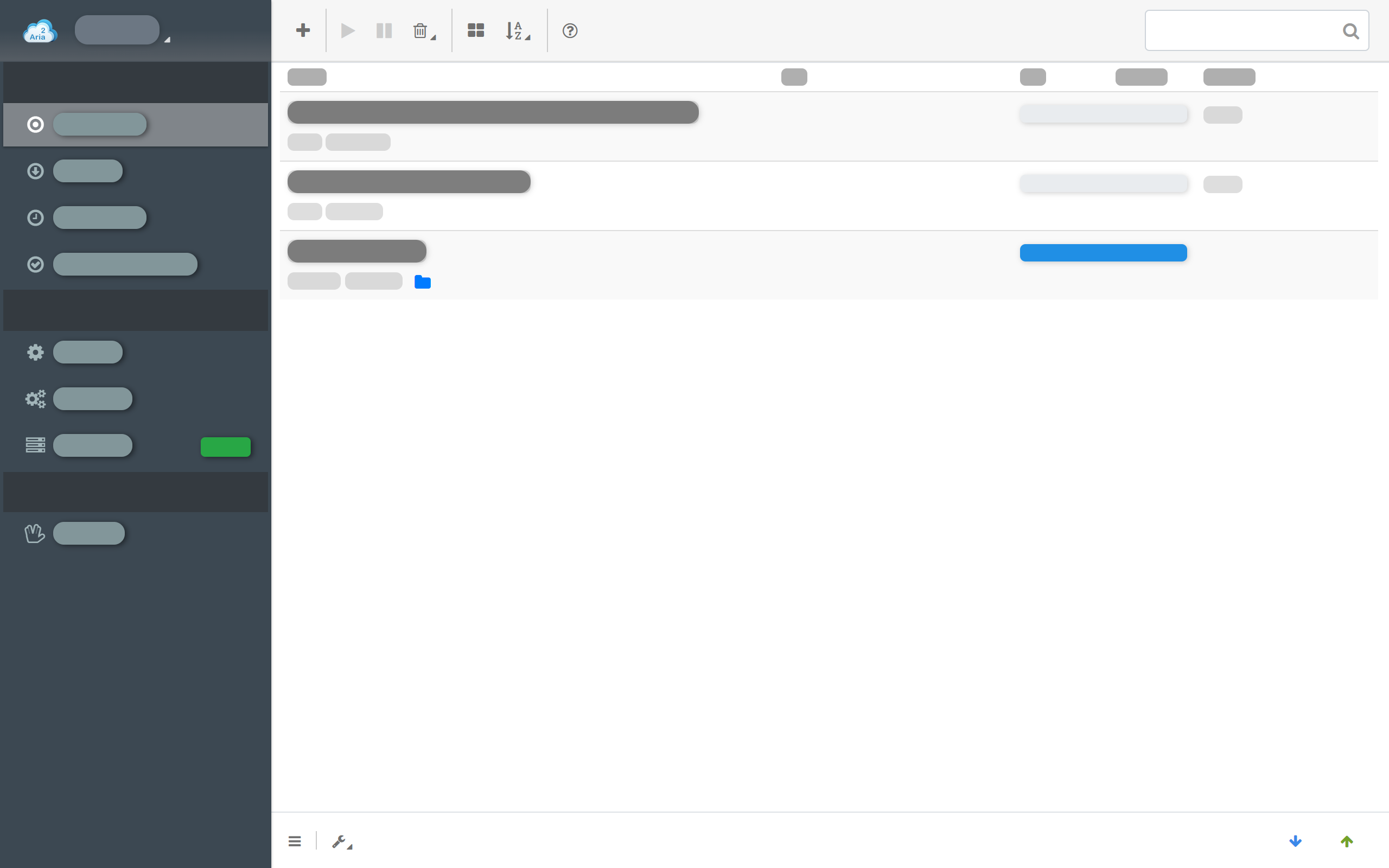
AriaNG enhanced version with multiple presentation modes: popup, tab, window, sidebar, PWA
Cloud Sync
Synchronize and store all settings on the cloud across devices
Multi-Language
Support for 10+ languages including Chinese, English, Japanese, Korean, and more
Complete File Management
Organize downloads with category-based folder settings, direct file access, and integrated file operations
Auto BT Tracker Updates
Automatically refresh and update BT trackers to maintain optimal peer connections and download speeds
UPnP Auto Port Mapping
Intelligent UPnP-based automatic port mapping for optimal BT connectivity and NAT traversal
How to Use
Get started with Aria2 Explorer in 4 simple steps
Install Aria2
For Windows users, install Aria2 Manager from Microsoft Store. Other platforms, download Aria2 utility.
Run Aria2
For Windows, run Aria2 Manager. Other platforms, run aria2c --enable-rpc in Terminal.
Install Extension
Install Aria2 Explorer from Chrome Web Store or Microsoft Edge Add-ons.
Configure & Enjoy
Enable auto-capture in extension options and configure as needed. Start downloading!
Our Products
Powerful download tools working together
Aria2 Explorer
A powerful browser extension that integrates seamlessly with Aria2 download manager
✨ Core Features - Browser Integration
- Auto capture browser download tasks
- Support magnet links and notifications
- Toggle auto-capture by shortcut (Alt+A)
- Filter by domain, extensions, file sizes
- Batch export webpage resources
- Receive download requests from other extensions
Aria2 Manager
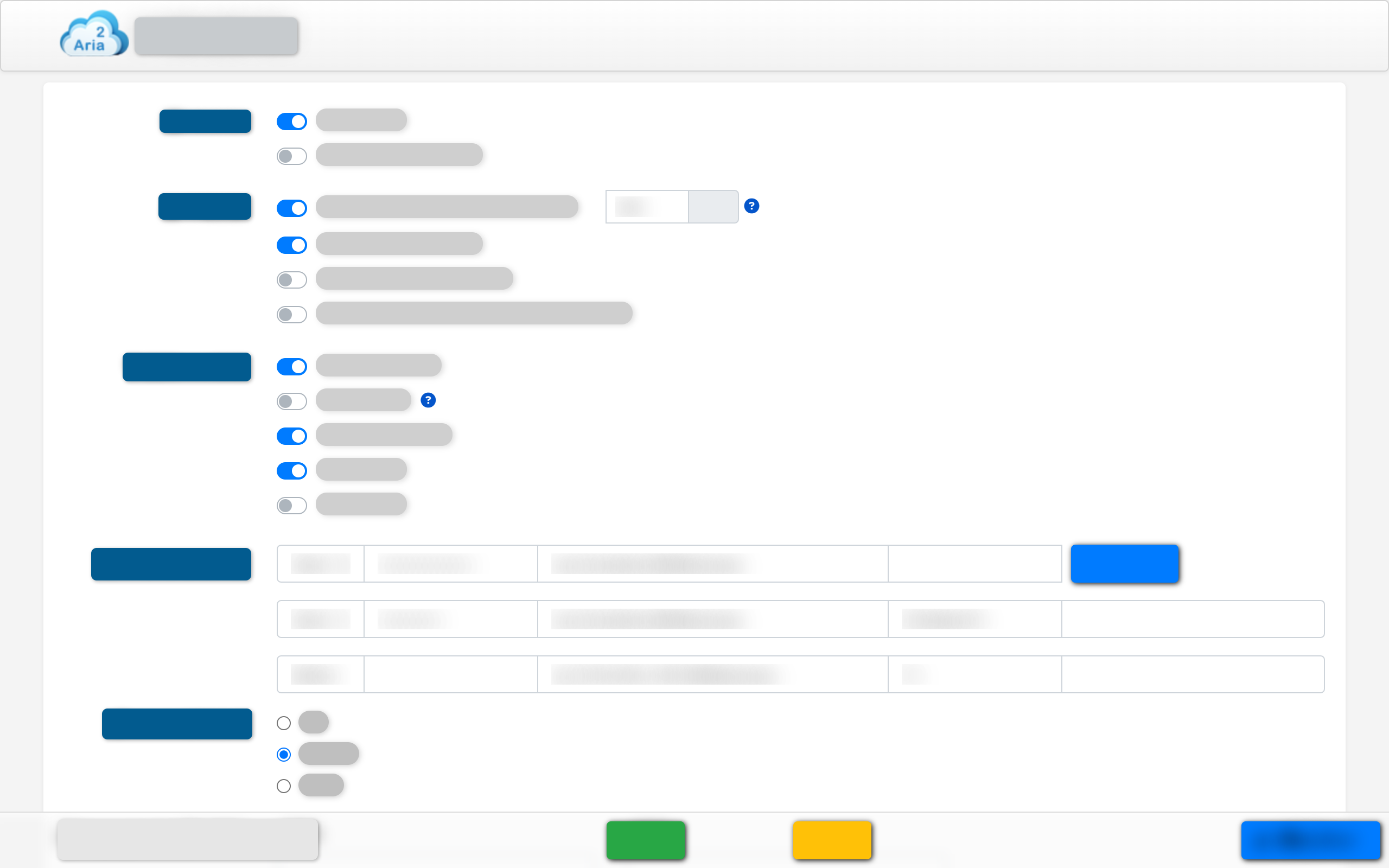
Professional BT torrent download manager based on Aria2. Trial version provides complete download experience, Premium version unlocks enhanced features for power users.
🆓 Trial Version - Complete Aria2 Experience
- Full BT/BitTorrent download support
- HTTP/HTTPS/FTP/Magnet protocol support
- Built-in AriaNG management interface
- Basic torrent and magnet link handling
⭐ Premium Version - Enhanced Features
- Advanced File Management: Organize and manage downloads efficiently
- Auto BT Tracker Updates: Keep trackers fresh for optimal peer discovery
- UPnP Port Mapping: Automatic network configuration for better connectivity
- Smart Notifications: Real-time download status and completion alerts
- Auto-startup and system integration
- Enhanced system tray with detailed status
DownCenter
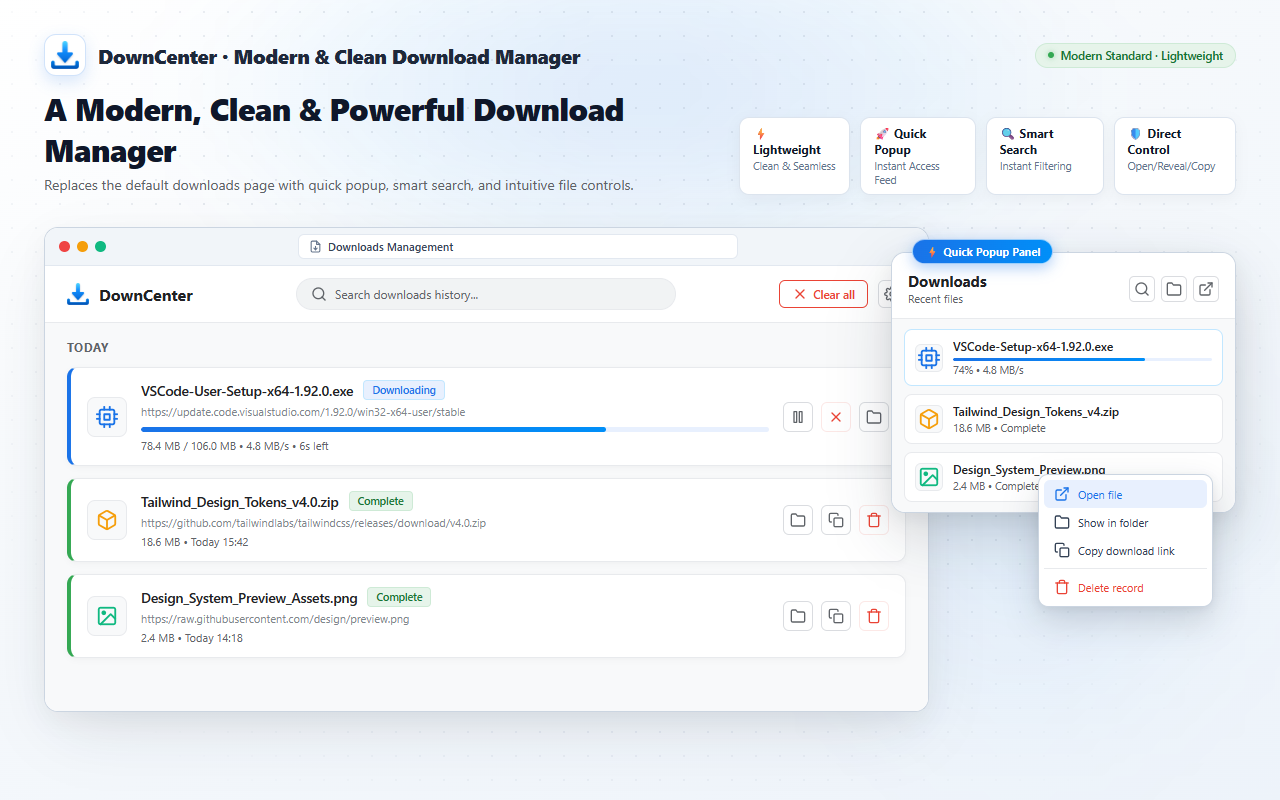
Modern Chrome extension that beautifies the default downloads page with a clean UI, adds a direct file deletion button, and provides smart category filtering.
🚀 Key Features - Enhanced Downloads Experience
- Modern UI Redesign: Clean, beautiful download interface replacing default chrome://downloads with dark and light mode
- Delete Downloaded Files: Real "Delete file from disk" button, overcoming Chrome's limitation of only clearing records
- Smart File Classification: Easily filter downloads by documents, media, archives, installers, and custom types
- Modern-Style Quick Popup: Compact popup panel to view and manage recent downloads via shortcut (Alt+J)
- Live Status Tracking: Real-time progress monitoring with one-click open, pause, and reveal in folder
- Lightweight & Safe: Fast startup with zero external runtime dependencies and strict privacy protection
Frequently Asked Questions
What's the difference between Aria2 Explorer and Aria2 Manager?
Aria2 Explorer is a browser extension that captures downloads and sends them to Aria2. Aria2 Manager is a desktop application that runs the Aria2 engine with BT/torrent support and management UI.
Does Aria2 Manager support BT/torrent downloads?
Yes! Aria2 Manager has full BT/BitTorrent support including magnet links, .torrent files, DHT, peer exchange, UPnP port mapping, and automatic tracker updates.
Can I use them together?
Absolutely! They work perfectly together. Install Aria2 Manager for the download engine, then add Aria2 Explorer extension to capture browser downloads automatically.
Is it free and safe to use?
Yes, both Aria2 Explorer and Aria2 Manager are completely free and open-source. They're safe, lightweight, and don't contain ads or malware.
How does DownCenter improve Chrome's default downloads page?
DownCenter gives Chrome's download manager a modern UI redesign with light/dark themes and adds crucial missing features: a real 'Delete downloaded file' button to delete actual files from your disk (not just clearing history records), smart category filtering by file types (documents, archives, installers, media), and a compact modern-style popup with Alt+J shortcut.
Download Now
Get started with our complete download solution
Aria2 Explorer
Install from your browser's extension store



Aria2 Manager
Not Available for Windows, macOS, and Linux
DownCenter
Install from your browser's extension store